 CarFlow AI
Car Photo Studio Background Without Renting a Studio
A seamless studio backdrop, an even light and a car that looks like it was rolled onto a cyclorama — generated from a photo you took in a driveway. Seamless gray, marble, concrete or textured walls, with a soft contact shadow and an optional reflection.
No card required. Free trial on signup.
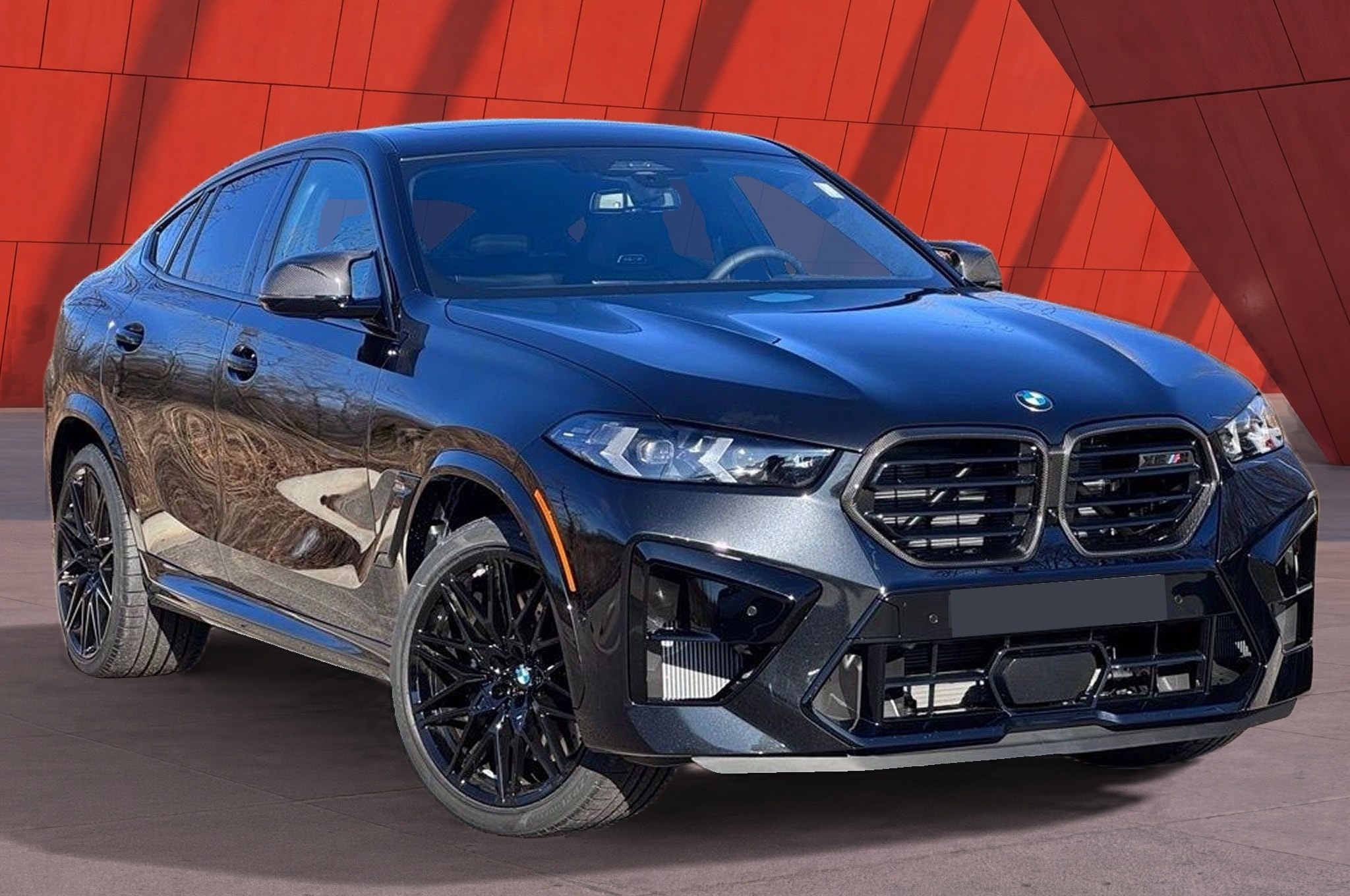
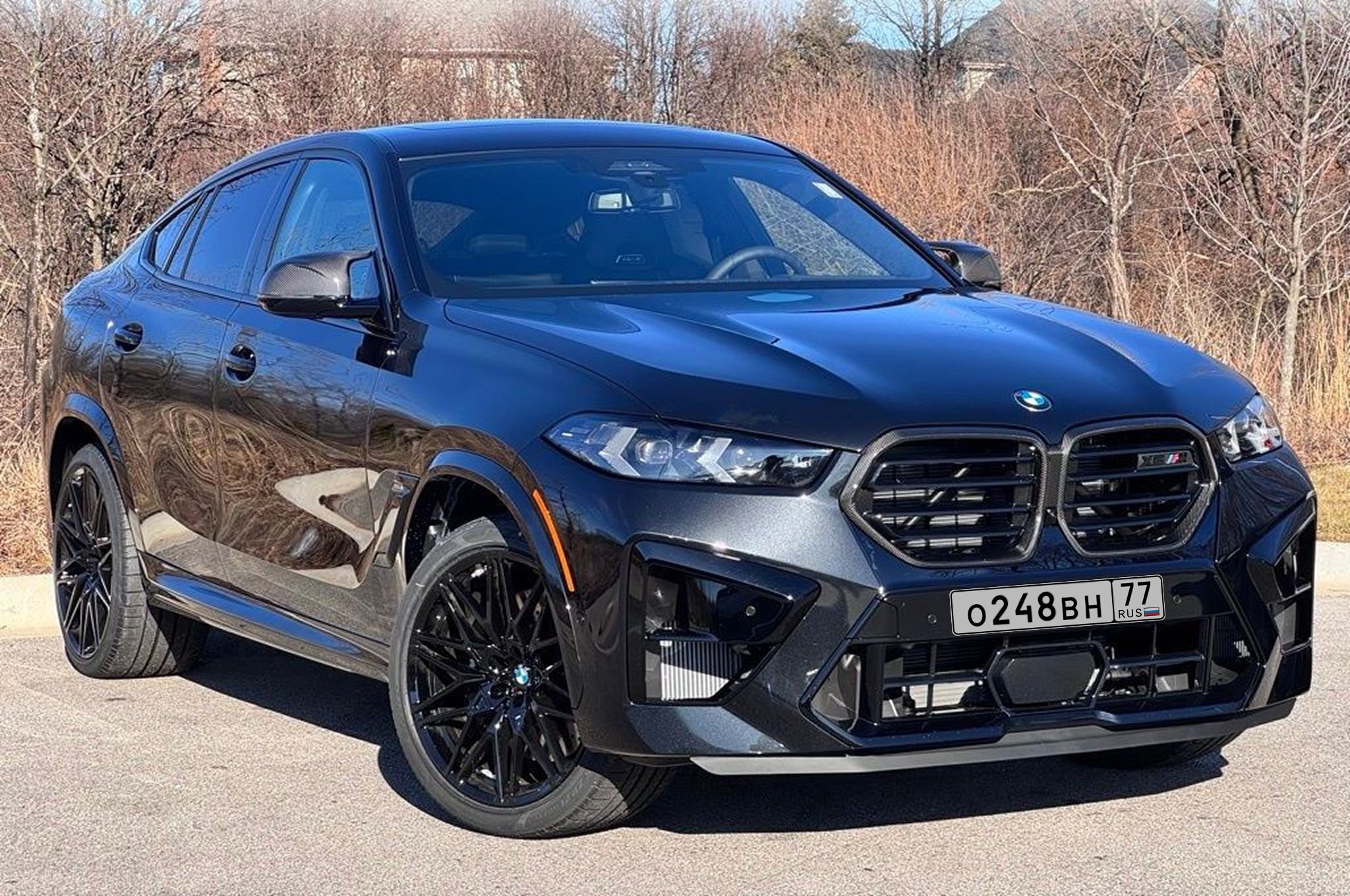
Slide to compare. The studio version keeps every reflection on the paint; only the backdrop, the floor and the shadow are generated.
Studio backdrops for car photography
Seamless walls and floors in the palette a product photographer would choose — neutral enough not to compete with the paint, textured enough not to look like a flat fill.
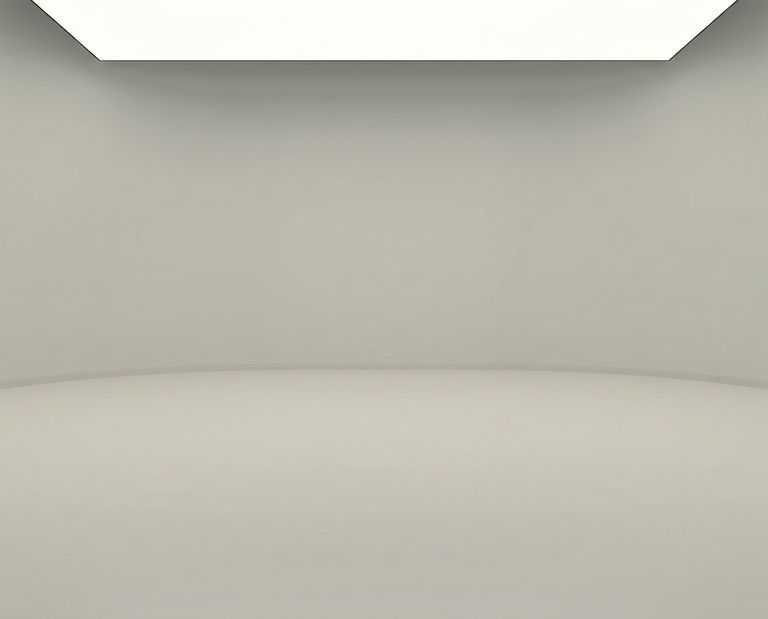
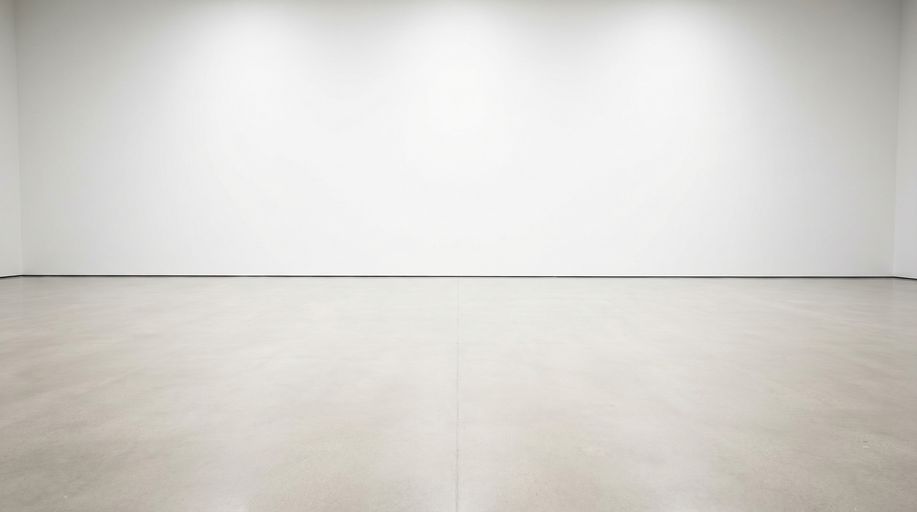
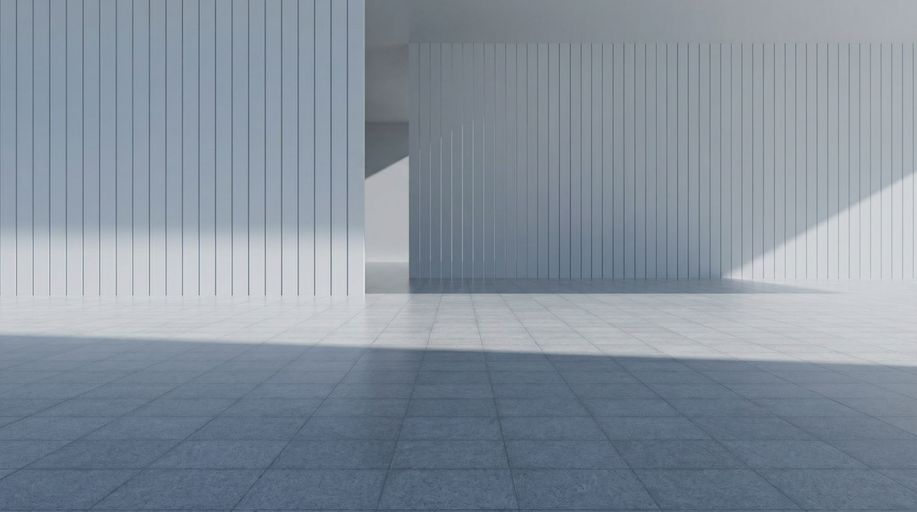
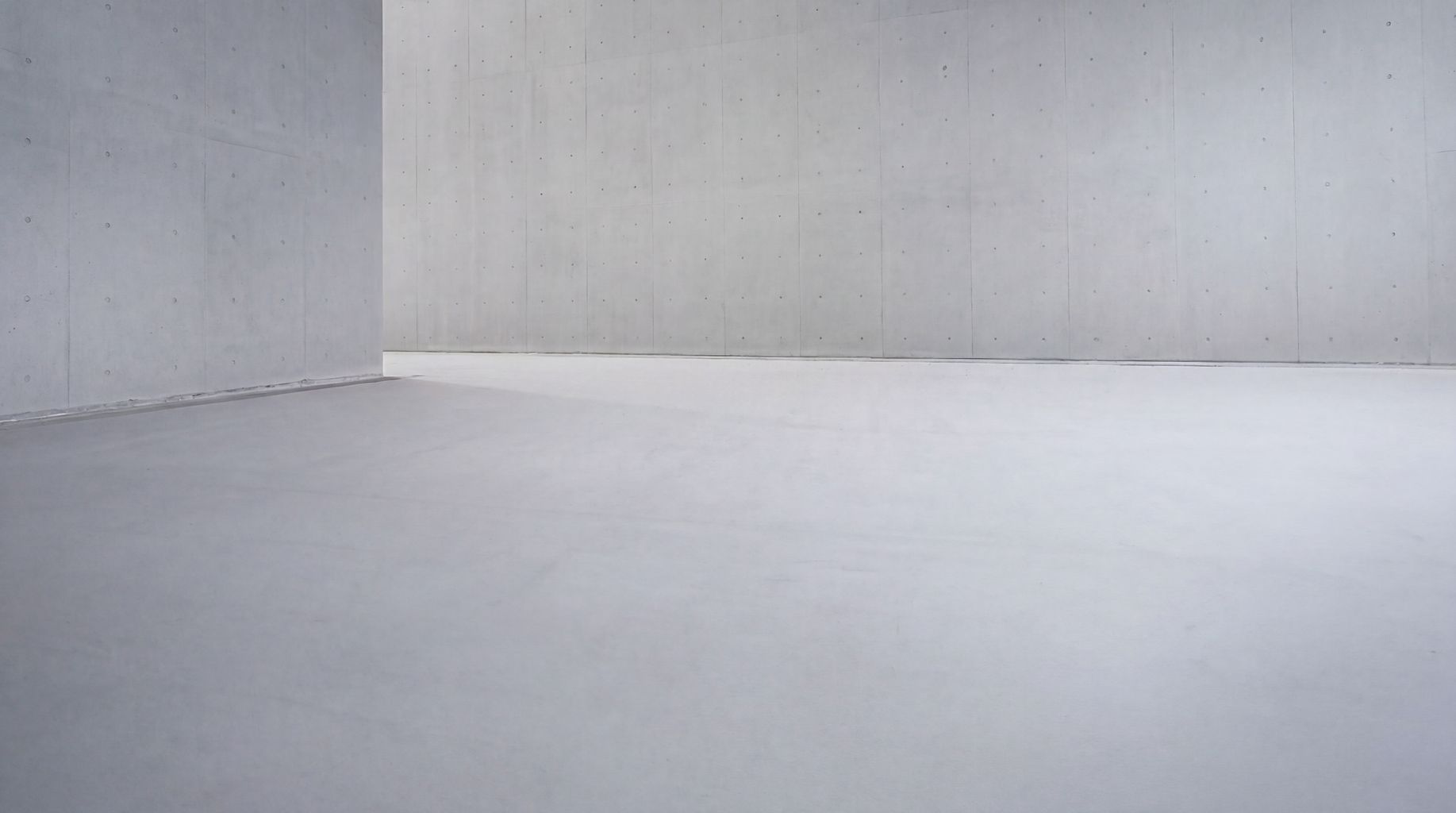
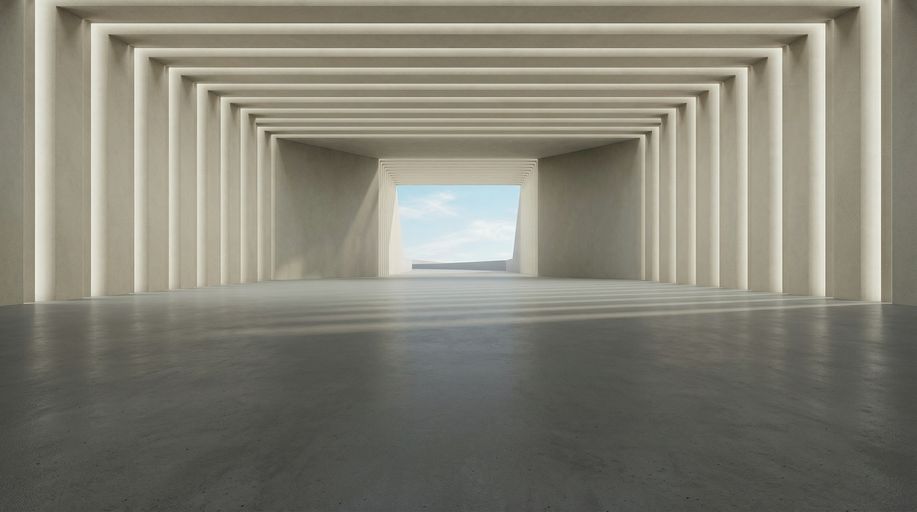
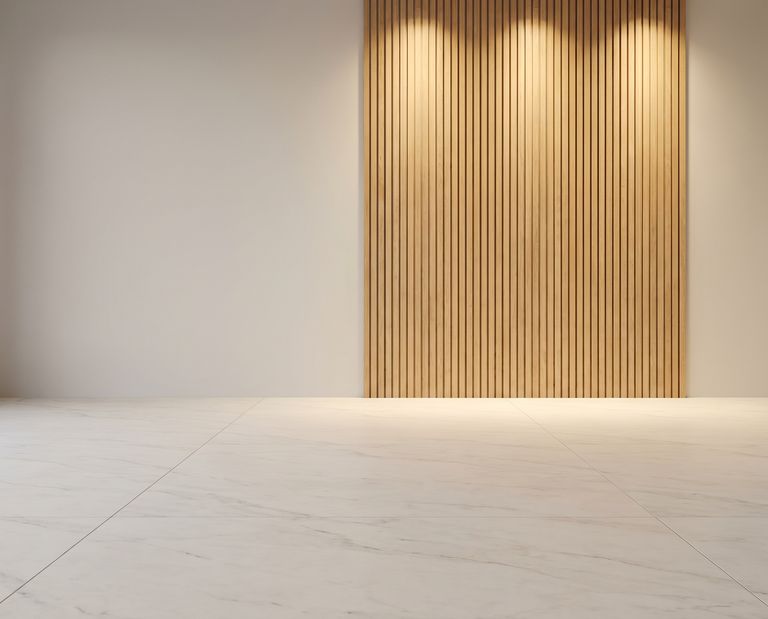
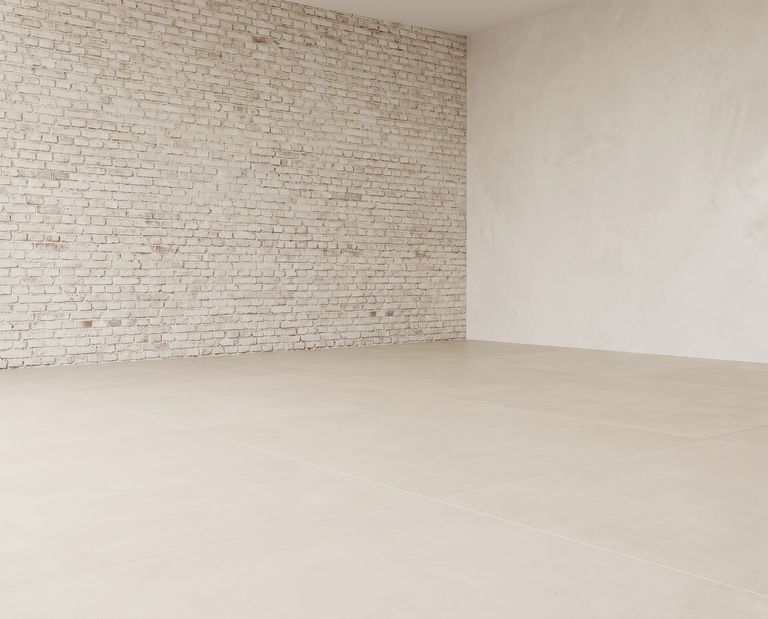
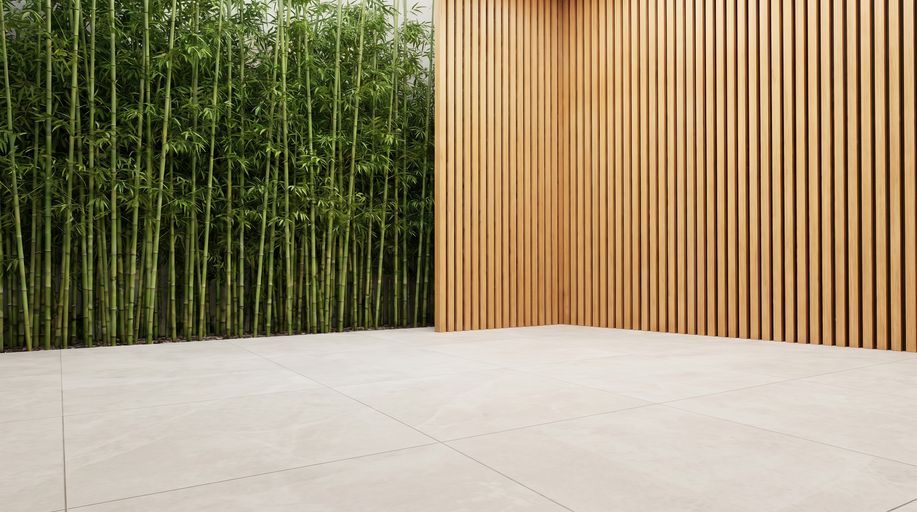
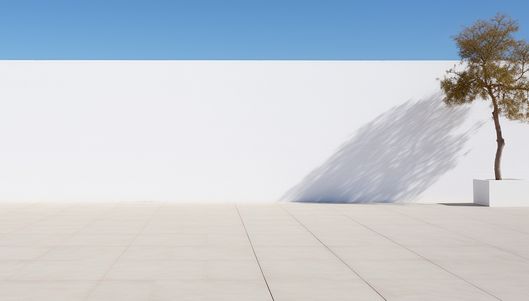
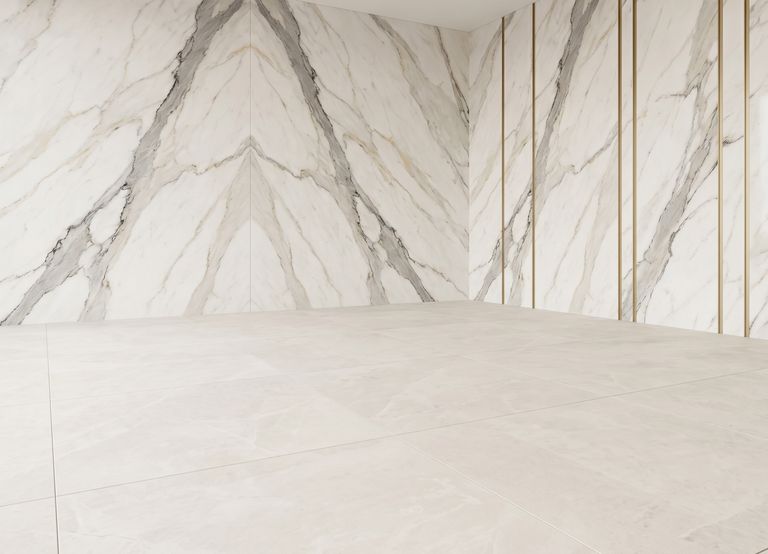
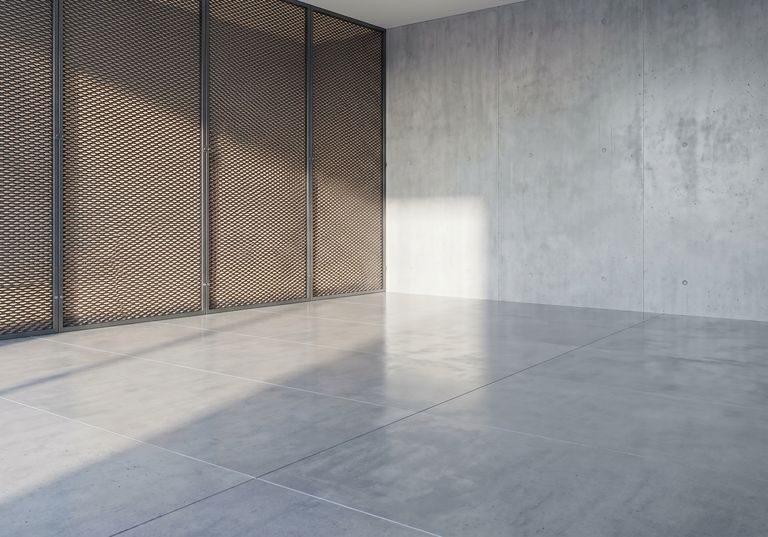
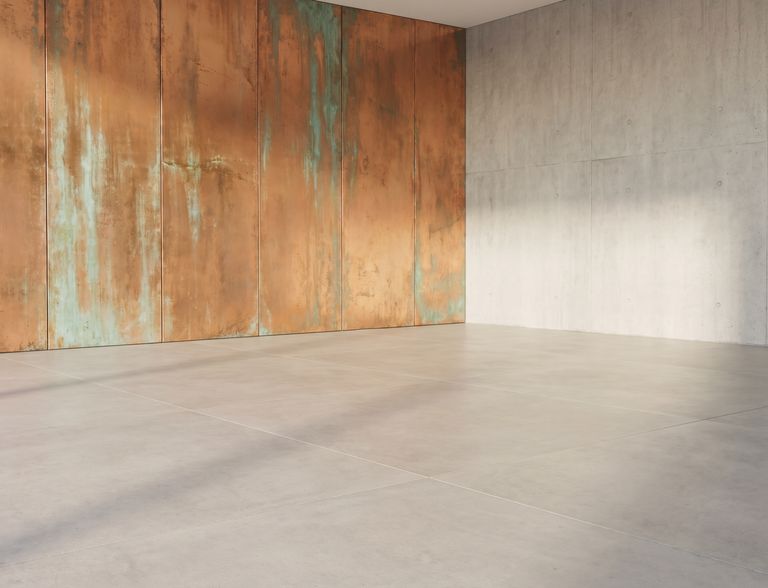
Every backdrop is a full-resolution scene with a real floor plane, so a low three-quarter angle and a straight side profile both sit correctly on it.
How a driveway photo becomes a studio shot
A studio backdrop is the least forgiving background there is: nothing to hide behind, every edge visible. That's why the cutout, the shadow and the floor have to be right — and why they're done by separate models rather than one mask.
Upload the photo
Any phone or camera photo, JPG, PNG, WebP or HEIC. The car doesn't have to be centred or level — the placement is recomputed.
Edge-accurate cutout
The body is traced to the pixel: spokes stay open, antennas stay attached, and each window is cleared separately so the driveway doesn't linger in the glass.
Pick the backdrop
Seamless gray, clean marble, striped wall, raw concrete, wood slats — the same kind of backdrop a product studio would hang, in full resolution.
Download the studio photo
The car lands on the studio floor with a soft, diffuse shadow. Add a floor reflection for the glossy-cyclorama look, or leave the floor matte.
Why a studio background exposes a sloppy cutout
On a busy street scene, a rough edge disappears into the clutter. On a seamless gray wall there is nowhere for it to go. These are the four things that separate a studio shot from a car pasted on gray.
- The halo
- A cutout that keeps a pixel of the old background along the edge shows up on a light studio wall as a thin dark or bright outline. The segmentation here traces the paint edge itself, and the tint around the glass is generated, not inherited.
- Solid wheels
- Alloy rims have background showing between the spokes. A mask that fills them in produces a black disc that no studio photo ever had. The spokes stay open here, with the backdrop visible through them.
- A shadow that doesn't diffuse
- Studio light is soft and large; its shadow is wide, faint and fades with distance. A hard-edged dark ellipse under the car is the giveaway of a template. The generated shadow follows the underbody and softens like studio light would.
- Driveway in the windows
- Cars are covered in glass, and glass shows what was behind it when the shutter fired. Clearing each window before placing the car is what lets the studio wall show through it.
What the studio export includes
One upload buys a finished studio photo, not a layer to keep working on.
Pixel-accurate cutout
Body, wheels, mirrors and trim traced cleanly; every window cleared of the original scene and tinted.
Soft studio shadow
A diffuse contact shadow shaped by the underbody, fading with distance the way a large softbox would cast it.
Floor reflection, if you want it
A faint mirrored reflection under the car for the polished-cyclorama look. Off by default on matte backdrops.
Plate blurred
Registration plates are found and blurred on every angle, or replaced with a plate carrying your logo.
Watermark or logo
Optional logo placement, applied in the same spot across the set.
Full-resolution file
Sized for listings, catalogues and print-ready PDFs; upload the largest original you have.
Who needs a studio background for car photos
Private sellers
Make one car look as well presented as a dealer's without booking anything or learning an editor.
Online marketplaces
Offer sellers a one-click studio look so the catalogue has one visual standard regardless of who shot the photo.
Automotive photographers
Deliver a studio variant alongside the location edit without a cyclorama hire.
Detailers and body shops
Show finished work on a clean backdrop where the paint is the only thing in the frame.
Parts and accessory sellers
Photograph a wheel-and-tyre set or a wrapped car in the yard and list it on catalogue-grade gray.
Design and content teams
Get a consistent studio asset of any car for banners, comparison graphics and social posts.
Cyclorama hire, manual masking, or generated studio
The studio look has always been available — for the price of a cyclorama, a lighting rig and a day. Here's how the three ways of getting it compare.
| Consideration | Hired photo studio | Manual cutout in an editor | CarFlow AI studio backdrop |
|---|---|---|---|
| Booking and transport | Half a day per car including the drive | None | None |
| Edge quality | Real edges, but studio lights reflect in the paint | As good as the editor's patience | Model-traced, spokes and trim intact |
| Shadow | Real, from the softboxes | Painted; hard to keep soft and consistent | Generated diffuse shadow, consistent across angles |
| Reflection | Only on a polished floor you have | Flipped-and-faded copy, one photo at a time | Optional, one switch |
| Time per photo | Minutes to shoot, hours to set up | 15–40 minutes of masking | Seconds |
| Cost per photo | Studio day rate divided by the cars you fit in | Editor's hourly rate | A monthly plan, from $8.99 for 150 tool runs or 150 fully edited photos |
Shooting a car for a studio background
A studio backdrop hides nothing, so the source photo matters more here than on a busy scene. None of this needs equipment.
Find open shade
A north-facing wall, an overcast sky, or the shade of a building gives the even light a studio would — no hard highlight to fight the backdrop.
Watch what the paint reflects
Glossy paint mirrors its surroundings. A calm reflection — sky, a plain wall — stays believable on gray; a chain-link fence across the door does not.
Keep the whole car in frame
Include a margin around the wheels and mirrors. On a seamless backdrop, a clipped bumper can't be hidden.
Turn the front wheels slightly
A little steering angle shows the rim face — the classic studio pose once the backdrop is clean.
Focus on the front headlight
Sharp edges around the front of the car are what make a studio cutout look photographed rather than composed.
Shoot the same height on every angle
For a walk-around, keep the camera at one height so all views share the same floor line on the backdrop.
What a car photo studio background actually is
In a physical studio, a car is photographed against a cyclorama — a seamless wall that curves into the floor so there is no horizon line — under large, soft lights. The result is a car that appears to float in an even field of gray or white, resting on a faint, wide shadow. It is the standard for catalogue and press photography because nothing distracts from the shape and the paint.
Producing that look from an ordinary photo means reproducing its three ingredients. The backdrop is a full-resolution seamless scene with a floor plane. The shadow is generated from the car's underbody as a large soft light source would cast it, wide and fading. And the cutout has to hold up against a blank wall: spokes open, trim intact, windows cleared of the driveway and tinted so the backdrop shows through.
CarFlow AI runs those as separate steps — a body segmentation, a window segmentation, a shadow model and the scene placement — which is why the studio version keeps the reflections in the paint that make a car look like a car, while everything around it is replaced. For a private seller that's one better photo; for a marketplace or a photographer it's a studio standard applied to every car that comes through.
Studio background questions
Not a pure white one — the backdrops are the built-in studio scenes: a seamless gray studio, marble, striped wall, raw concrete, wood slats, light brick and more. The gray studio is the closest to a classic cyclorama look, with a soft shadow and an optional floor reflection; marble and light brick give a brighter, warmer studio feel. All of them are applied automatically — no masking.
Yes. A diffuse contact shadow is generated from the car's underbody and fades with distance the way a large studio light would cast it. It's what keeps the car on the floor instead of floating on the backdrop.
Yes — it's a single option. When on, a faint mirrored reflection of the car appears beneath it, matching the glossy-cyclorama look. Leave it off for matte backdrops like raw concrete or wood.
They stay open, with the backdrop visible between them. The segmentation traces the rim rather than filling the wheel's bounding shape, which is the usual failure of general-purpose background tools on a plain studio wall.
Each window is cleared separately from the body and tinted, so the studio backdrop shows through the glass instead of the original scene. This is the step that most "studio background" tools skip, and it's the one that gives them away.
No equipment, but a few habits help: open shade or an overcast sky, the whole car in frame with a margin, front wheels turned slightly toward the camera, and a calm reflection in the paint rather than a fence or a crowd.
Yes. Upload up to 25 photos of the car and every angle is placed on the same backdrop with the same floor and shadow, so the set looks like one studio session.
Seamless gray studio, simple marble, striped wall, raw concrete, concrete gallery, wood slats, lime brick, bamboo, a sunny loft, Calacatta and brass, mesh wall and copper patina, among others. New backdrops are added regularly.
New accounts get a free trial on your own photos, no card needed. After that, plans start at $8.99 a month for 150 tool runs or 150 fully edited photos. If you only want the car cut out with a transparent background, that separate tool is free without an account.
Listing and catalogue resolution, suitable for marketplaces, dealer sites and print-ready PDFs. Upload the largest original you have — edge quality follows the source.
Yes, on every angle, automatically. You can also replace the plate with one carrying your logo instead of blurring it.
Yes. The web app runs in a mobile browser and there are iOS and Android apps. Shoot, upload from the camera roll, pick a backdrop and download the studio photo without a computer.