 CarFlow AI
Replace the Car Background in Any Photo - From Parking Lot to Showroom
Upload a car photo shot anywhere and the AI car background changer puts it on a studio, marble, concrete or showroom scene, with a real shadow under the wheels, clean glass and the plate already blurred.
No card required. 10 free credits on signup.
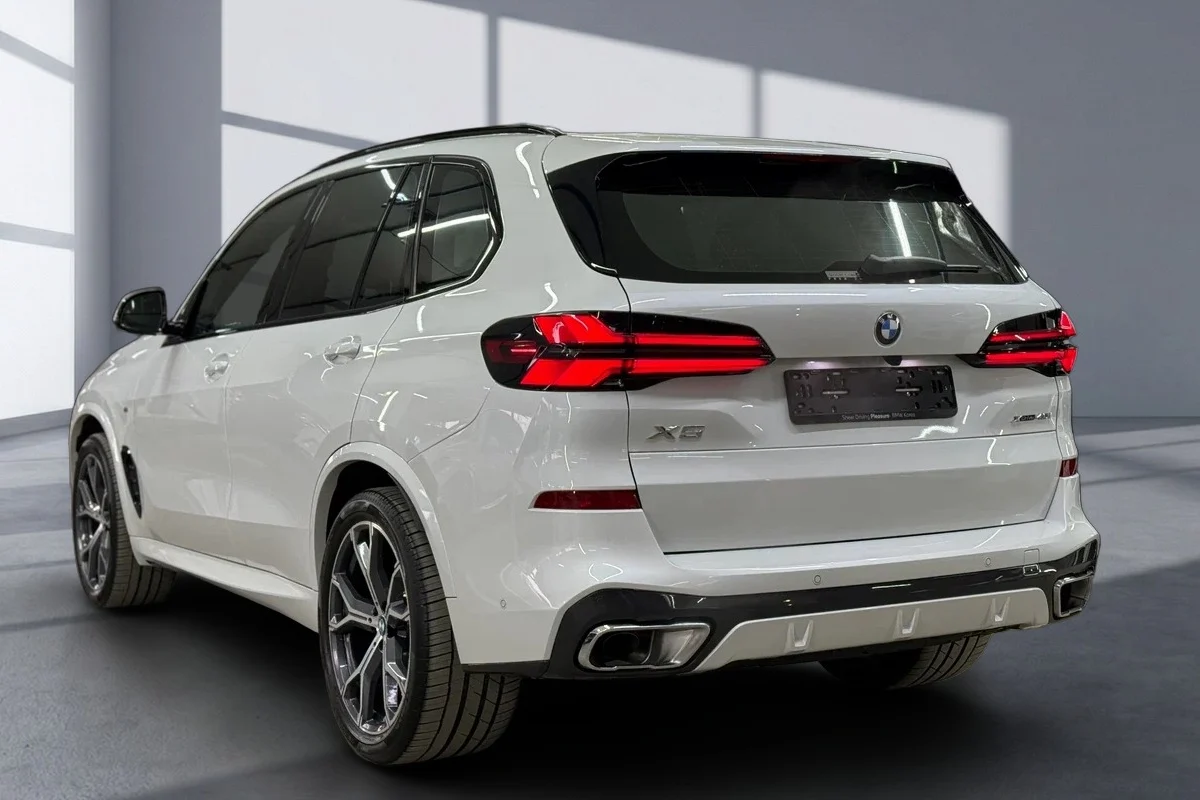
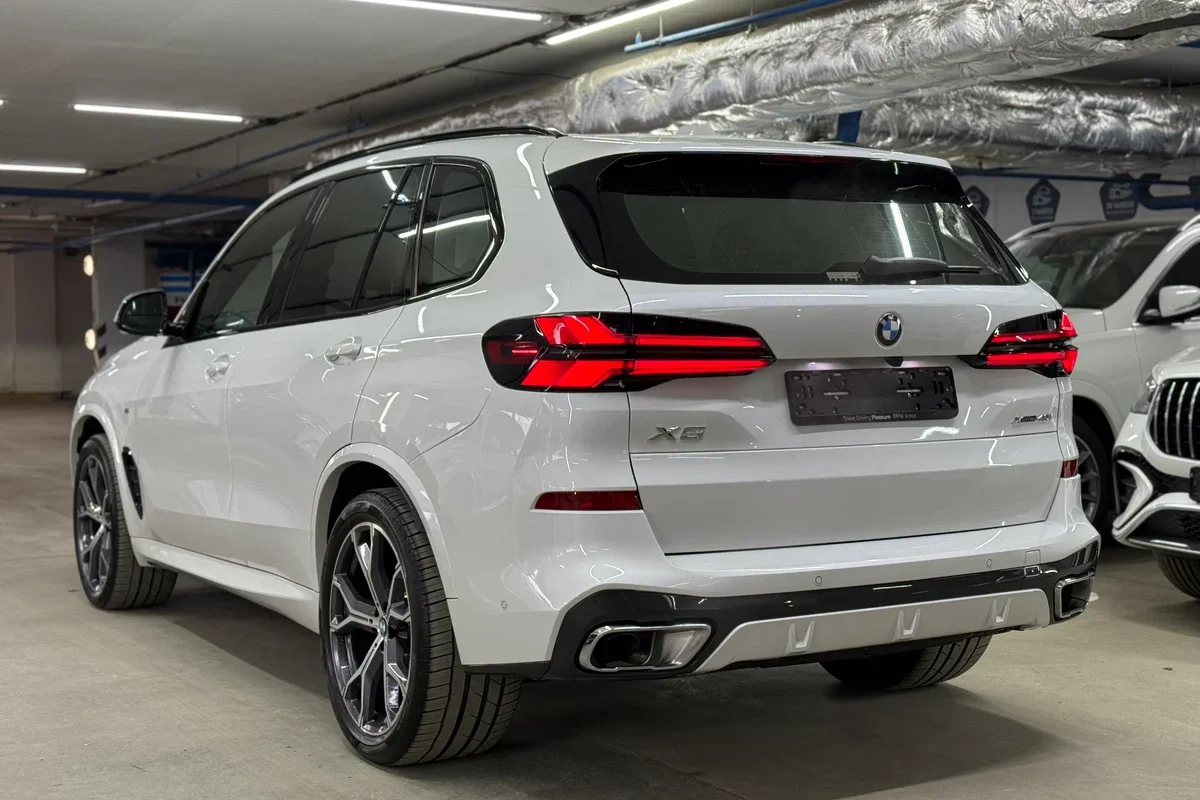
Drag the handle. Same photo, same car - only the background and the shadow are new.
Car photo backgrounds you can switch to
A selection of the built-in scenes. Each is a full-resolution backdrop with matching floor perspective, so the car sits on the ground instead of floating in front of it.
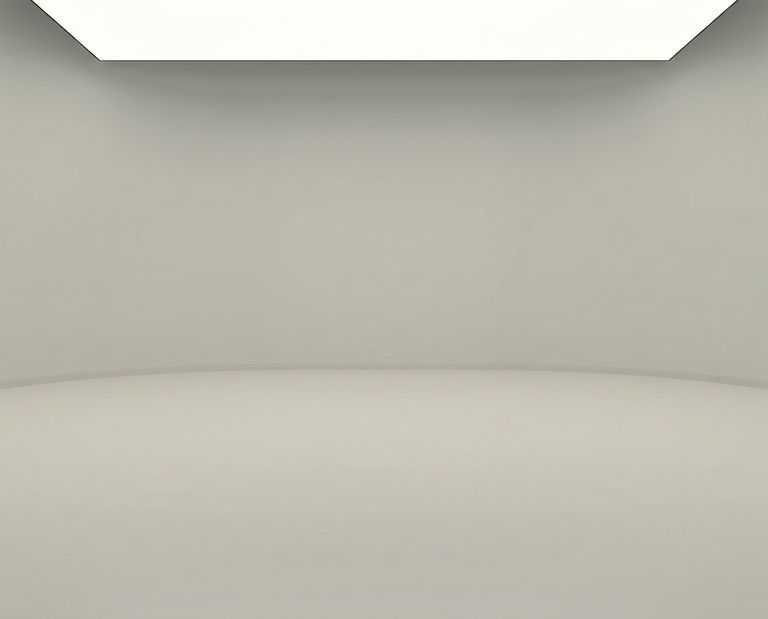
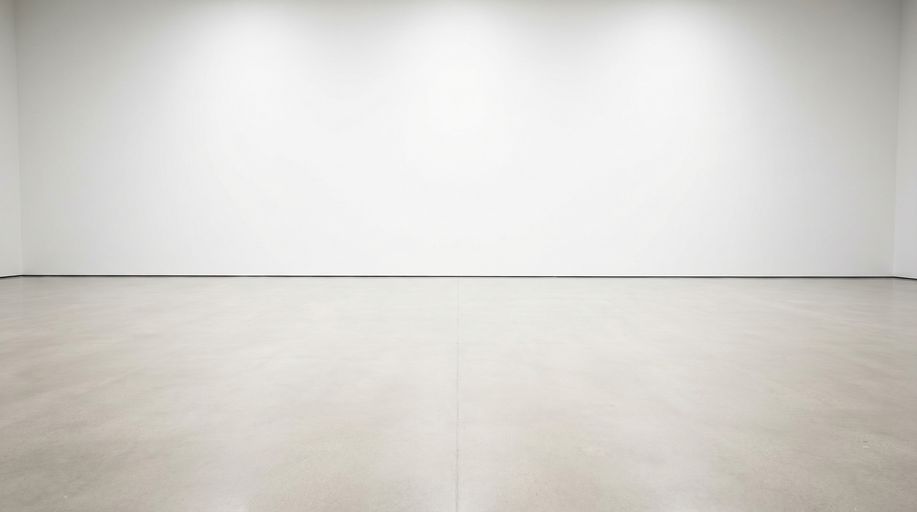
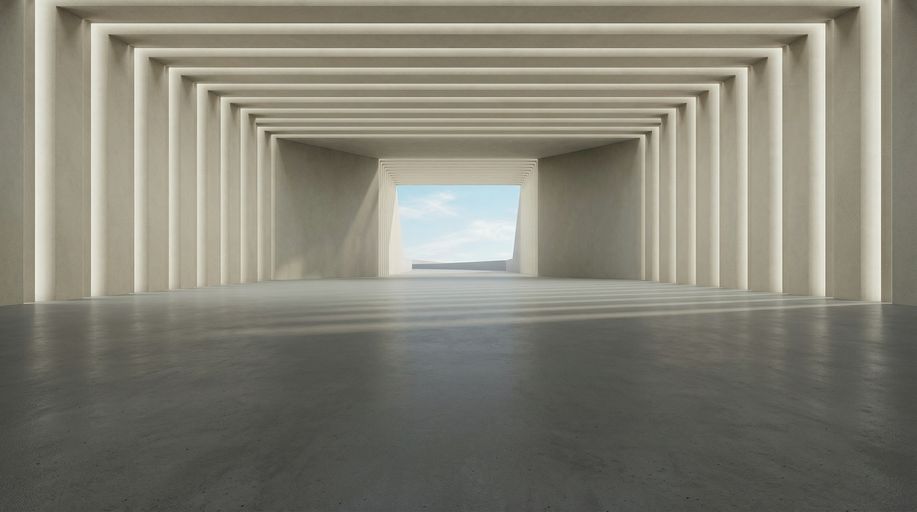
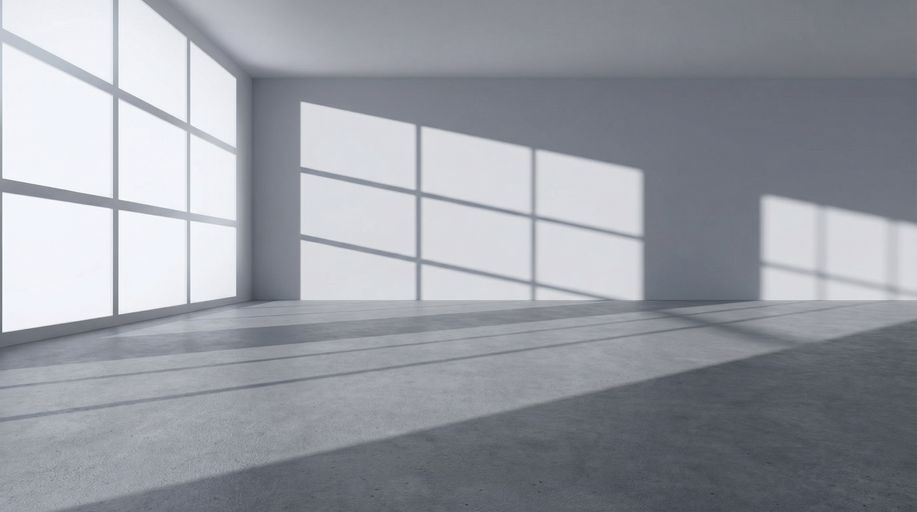
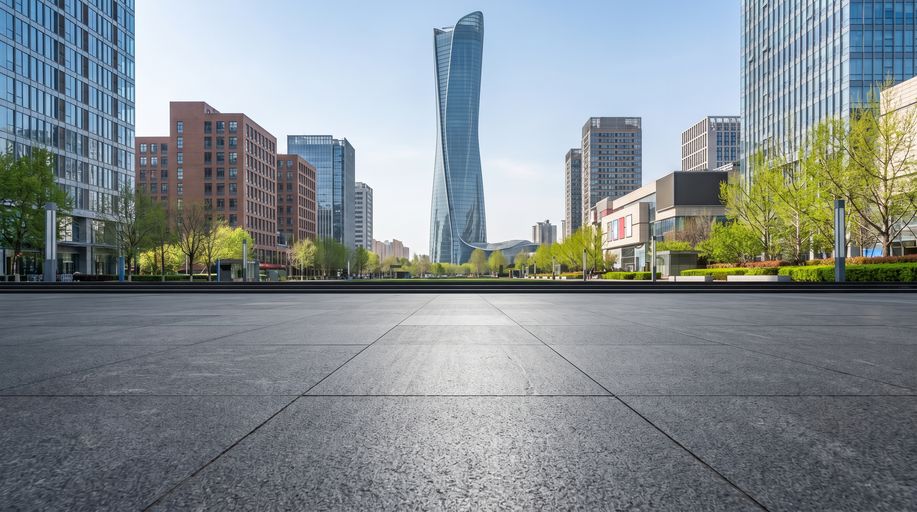
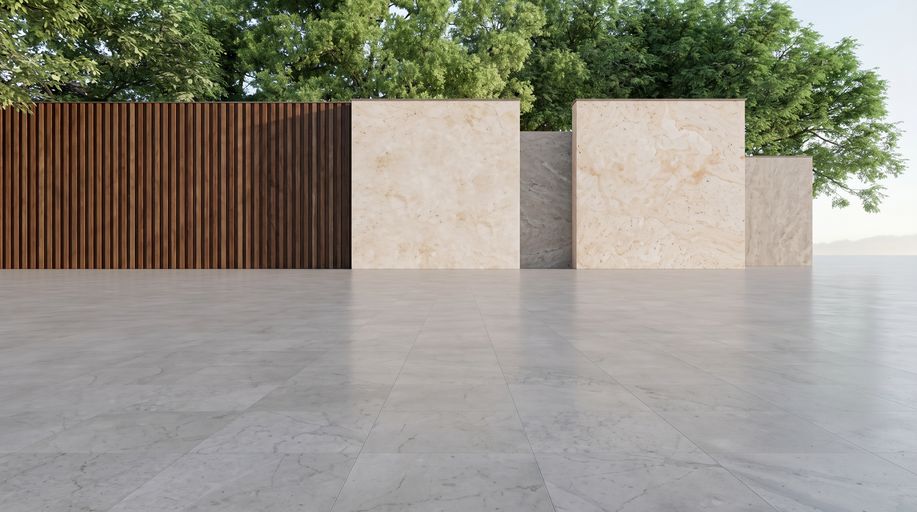
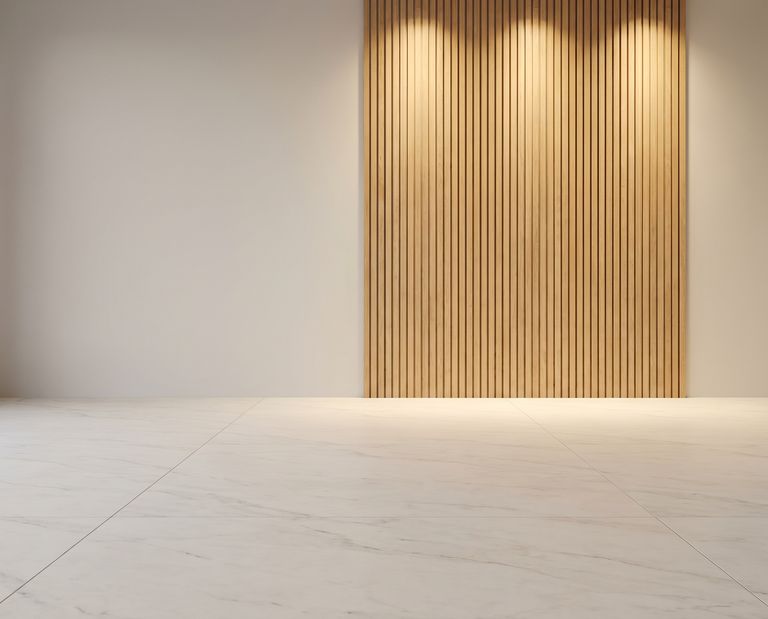
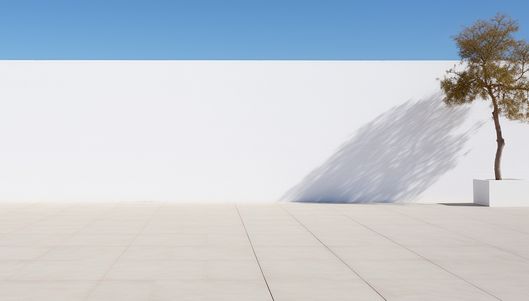
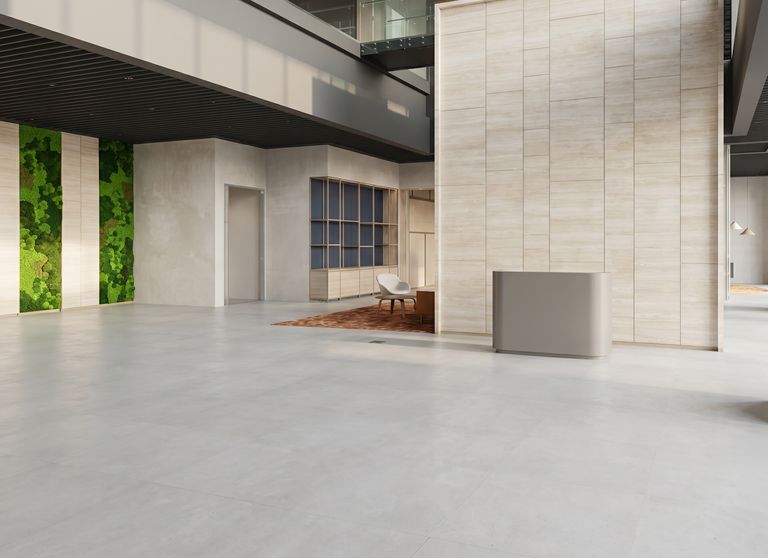
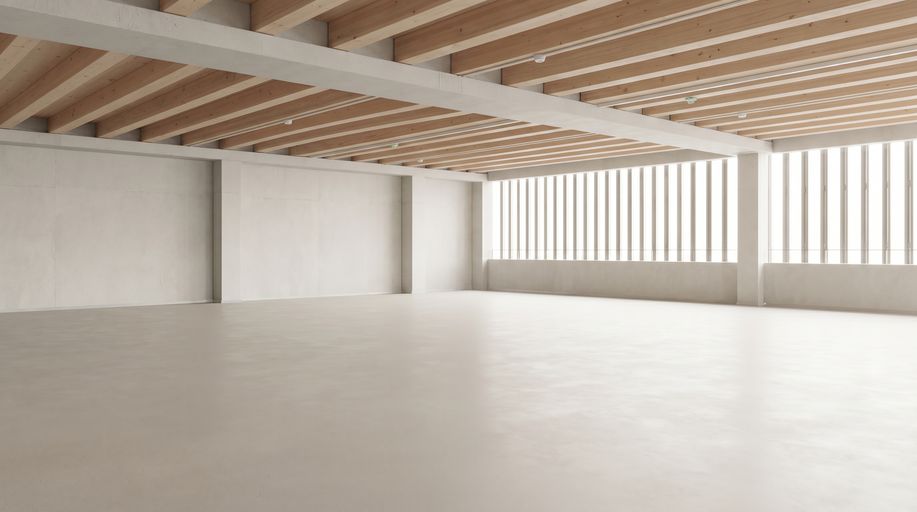
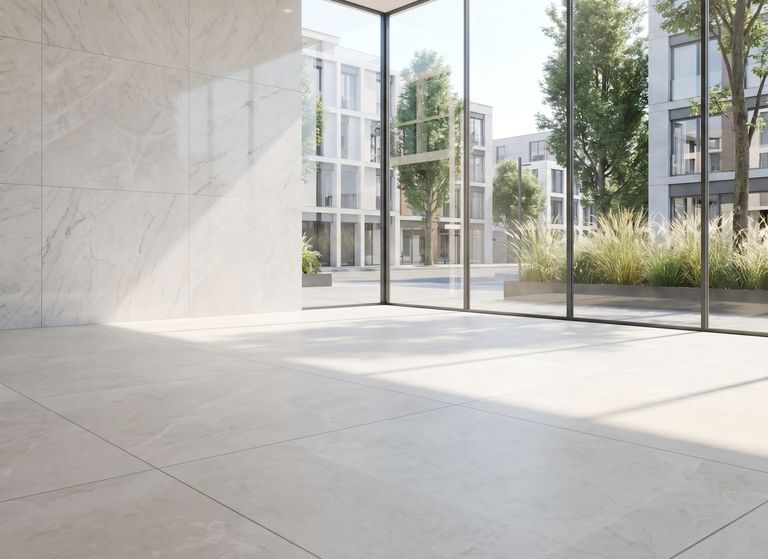
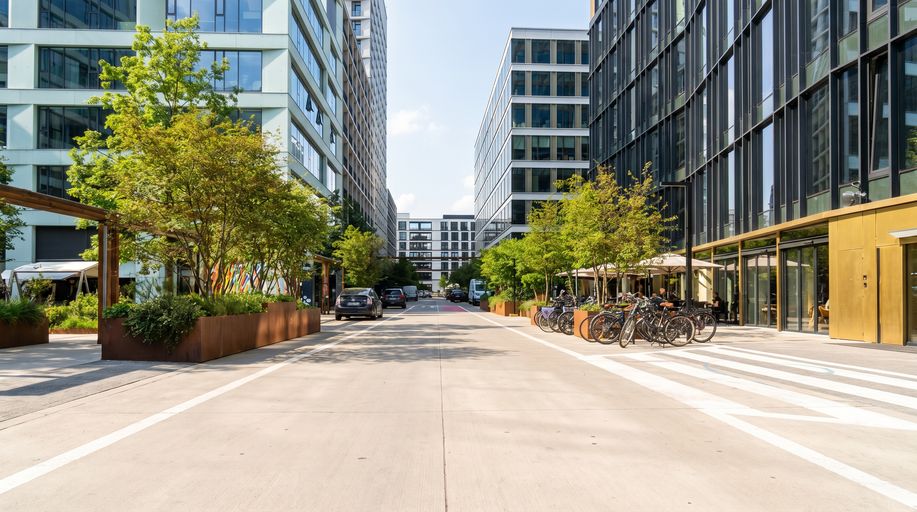
More scenes are added regularly, and every one of them works for exterior angles, three-quarter views and close-ups alike.
How to replace a car background in four steps
You don't mask anything, pick a brush or draw around the wheels. Upload the photo, replace the car background with a scene you choose, download. One upload runs the whole pipeline.
Upload the photos
Drop up to 25 photos of a car from your phone or camera - JPG, PNG, WebP or HEIC. A driveway or a busy lot is fine.
AI separates the car from the scene
The body, wheels, mirrors and each window are segmented separately, so the old lot is removed from behind the glass too, not just around the outline.
Pick the new background
Choose from 25 studio, showroom, marble, concrete, city and outdoor scenes. The same scene is applied to every angle of the car for a consistent listing, and you can switch it later for free.
Download listing-ready photos
The car lands in the scene with a generated ground shadow, a reflection where the floor calls for it, the plate blurred and your logo placed if you set one.
Why a generic background changer makes cars look fake
Swapping a background behind a portrait is one problem; swapping it behind two tons of glass and reflective paint is another. These are the four places a general-purpose tool gives itself away on a car.
- The old scene stays in the windows
- A general tool traces one outline and keeps everything inside it, so the parking lot survives in the windshield and side glass while the sky outside gets replaced. Our pipeline segments each window on its own and clears it before the new scene goes in.
- No shadow, or a painted-on one
- A car with no contact shadow floats above the floor. A flat gray ellipse looks like a sticker. We generate a shadow from the car's shape and the lighting of the scene, so the wheels visibly touch the ground.
- Wheels lose their spokes
- Alloy rims are the hardest part of the outline: thin spokes with background showing between them. Generic masks blur them into a disc. Ours keeps the gaps open so the wheel still reads as a wheel.
- The floor perspective doesn't match
- A backdrop shot at eye level behind a car photographed from a low three-quarter angle looks pasted on. Our scenes are built with a floor plane that matches the typical dealer angle, so the car sits in the room instead of in front of a poster.
What comes back with every photo
One upload, one finished photo. Everything below happens in the same run - there's no second pass in an editor.
Car cutout with clean glass
Body, wheels and thin trim kept; the old background removed from around the car and from behind every window.
Generated ground shadow
A soft, physically plausible shadow under the car, matched to its shape and to the scene's lighting.
Optional floor reflection
Turn on a subtle mirrored reflection of the car in the floor for the polished-showroom look, or leave it off for matte scenes.
License plate handled
Plates are detected and blurred automatically, or replaced with your dealership logo if you configure one.
Your logo on the photo
Optional watermark or logo placement in a corner you choose, applied identically across the whole set.
Full-resolution export
Download the finished set at listing resolution, ready for AutoTrader, Mobile.de, Facebook Marketplace, OLX or your own site.
Who replaces car backgrounds with CarFlow AI
Dealerships
Give a whole lot of inventory the same studio look without renting a studio or moving a single car.
Marketplaces and classifieds
Normalize listings shot by hundreds of sellers on hundreds of phones into one consistent catalog style.
Automotive photographers
Deliver a clean studio version alongside the on-location edit, without a manual mask per angle.
Rental and leasing fleets
Keep the fleet gallery uniform as cars come and go, even when each one is photographed at a different branch.
Auctions and remarketing
Present trade-ins and off-lease cars in the same professional frame as new stock, straight from the lot photo.
Social media and ads
Put the car on a clean or dramatic scene for a reel, a carousel or a promo, without re-shooting it anywhere.
A physical studio, Photoshop, or CarFlow AI
The honest comparison is not with a free background changer - it's with the two things dealers actually do today: book a studio, or pay someone to mask photos by hand.
| What matters | Physical photo studio | Photoshop by hand | CarFlow AI |
|---|---|---|---|
| Cost per car | Studio time plus transport, per vehicle | Editor's hourly rate, 10-30 min per photo | A monthly plan, from $8.99 for 150 fully edited photos |
| Turnaround | Days - booking, driving, shooting | Hours to a day for a full set | Under a minute per set |
| Windows and glass | Real, but studio reflections need cleanup | Masked one window at a time | Cleared automatically, tinted, scene shows through |
| Shadow and reflection | Real, if the lighting is set right | Painted by hand, easy to get wrong | Generated from the car's shape; reflection optional |
| Consistency across the lot | High, if every car goes to the studio | Depends on the editor's day | Identical scene, shadow and logo on every car |
| Plate blur and logo | Separate editing step | Separate editing step | Included in the same run |
Shooting for a clean background swap
A phone photo on the lot is enough. These habits make the swap look like a studio shot rather than a good edit.
Leave air around the car
Don't crop tight to the bumpers or the roofline - the scene needs room to place the car, and a clipped mirror can't be recovered.
Shoot from a low three-quarter angle
Hip height, front or rear three-quarter. It's the angle the built-in scenes are designed for, so the floor perspective lines up.
Prefer overcast or shade
Even light means fewer hard shadows on the paint, which lets the generated studio shadow read as the only one.
Keep other cars off the edges
They'll be removed, but a bumper overlapping your car's outline forces the model to guess where one ends and the other begins.
Straighten the wheels
Front wheels pointed slightly toward the camera show the rim face - the classic showroom look once the background is gone.
Photograph every angle the same way
Same height, same distance, same lighting for all sides. Consistent inputs are what make a set look like one studio session.
What is car background replacement?
Car background replacement means taking a vehicle out of the place it was photographed in and putting it on a new scene: a studio wall, a showroom floor, a city street. It looks like one click, but it is three separate jobs: isolating the vehicle, deciding what to do with the glass, and rebuilding the contact between the car and a floor it was never photographed on. Most tools solve only the first, which is why the result so often looks like a car sticker on a wallpaper.
CarFlow AI runs a dedicated segmentation model for the body and a second one for the windows, so the scene behind the glass is treated as background rather than as part of the car. The cutout then goes into a scene with a known floor plane, and a shadow model generates the shadow the car would cast under that scene's lighting - with an optional glossy floor reflection for studio and marble backdrops.
Because the same pipeline also blurs the plate and places a logo, one upload produces a photo that is ready to publish, not ready to finish. That is the difference between a background changer and a listing tool - and it's what lets a dealership push an entire lot to a consistent studio look in an afternoon.
Frequently asked questions
New accounts get 10 free credits, no card required, and one credit is one photo with the background replaced. After that, plans start at $8.99 a month for 150 photos. If all you need is a transparent cutout without a new scene, the separate background remover is free and doesn't need an account.
Built-in scenes include a gray studio, several marble and concrete showrooms, a window hall, a modern lobby, a parking structure, a city plaza, a boulevard and an open-air backdrop, among others. All of them are full-resolution with a floor plane matched to the usual dealer angle. New scenes are added regularly.
It's removed. The windows are segmented separately from the body, the old scene behind them is cleared, and the glass is tinted so the new background shows through it the way it would through real glass. This is the step most generic background changers skip, and it's the one that gives them away.
Yes. A shadow is generated from the car's actual shape and the lighting of the scene you pick, so it follows the wheels and the underbody rather than sitting under the car as a flat gray ellipse. You can also switch on a subtle floor reflection, which suits studio and marble scenes.
Yes, automatically, on every photo. Plates are detected from any angle and blurred, or you can configure a dealership logo to be placed over the plate instead. The blur is part of the same run as the background replacement.
Up to 25 photos per car in one upload. Each photo is processed independently and appears as soon as it's done, so a large set doesn't wait on its slowest image. You can add more photos to a car afterwards.
Finished photos are exported at listing resolution, suitable for AutoTrader, Mobile.de, Facebook Marketplace, OLX and dealer websites. Upload the largest original you have - the cutout quality depends on the input.
Yes. Interior shots go through a separate flow that cleans up what's visible through the windows from inside the cabin, so the exterior scene matches the rest of the set instead of showing the original lot through the glass.
Yes, and that's the point for a dealer. Pick one scene and apply it to every car in the inventory; the shadow, reflection and logo placement are identical across the set, so the gallery reads as a single studio session.
Those tools produce an outline cutout and stop. They keep the old scene inside the windows, don't generate a contact shadow, often blur wheel spokes into a disc, and leave you to place the car on a background yourself. CarFlow AI handles the glass, the shadow, the reflection, the plate and the logo in one run, and outputs a publish-ready listing photo.
Your processed photos stay in your account for as long as you need them for your listings - you can delete a car and its photos at any time. Uploads aren't used to train models and aren't shared.
Yes. The web app works in a mobile browser, and there's a mobile app for iOS and Android. Shoot on the lot, upload from the camera roll, pick a scene and download the finished set without touching a desktop.
Not at the moment. You choose from 25 built-in scenes, because each one carries a floor plane and lighting the shadow is generated for. If you need the car on your own backdrop today, download the free transparent cutout and place it in any editor.
No. There is no masking, no layers and no brush work. You upload the photo, pick a scene and download the result; the cutout, the glass, the shadow and the plate blur are automatic.