 CarFlow AI
remove.bg's standalone website closes on December 1, 2026 at 9:00 CET. Unused pay-as-you-go credits expire the same day. What changes
The remove.bg alternative built for car photos
 CarFlow AI
remove.bg is moving into Canva on December 1, 2026. If you remove backgrounds from car photos, CarFlow AI does the same job for a fraction of the price, and adds what a generic remover can't: a shadow rendered from the car's own footprint, a glossy floor reflection and clean glass.
- Free, no signup
- No watermark
- Up to 2048 px
What your car photos cost on each service
remove.bg
$89/ month
Monthly subscription, 500 credits
CarFlow AI
$24.99/ month
Lite plan, 500 credits
You save $64 a month
remove.bg (remove.bg/pricing, checked October 17, 2026): monthly subscriptions $9 / 40, $39 / 200, $89 / 500, $189 / 1,200, $389 / 2,800 and $589 / 5,000 credits, larger plans up to $5,450 / 75,000; pay-as-you-go packs from $3 / 3 to $1,699 / 8,000 credits. CarFlow AI: Essential $8.99 / 150, Lite $24.99 / 500, Standart $49.99 / 1,500, Enterprise $99.99 / 3,500 credits a month. Background removal costs 1 credit per photo on both.
The short answer
- remove.bg's own site, desktop app and self-serve API stop on December 1, 2026. Background removal moves into Canva (account required), the API moves to Leonardo.Ai.
- For car photos, CarFlow AI costs about $0.03-0.06 per photo on a plan. A remove.bg subscription costs $0.07-0.23 per image depending on volume, and pay-as-you-go packs up to $1.
- CarFlow AI is made for cars only: it clears the old scene from behind the windows, renders a realistic ground shadow and an optional floor reflection, and blurs licence plates.
remove.bg vs CarFlow AI: feature by feature
What each service gives you for car photos, as of October 2026. Prices are list prices in USD.
| Feature | remove.bg | CarFlow AI |
|---|---|---|
| Status after December 1, 2026 | Standalone site closed, moved into Canva | Independent service, keeps running |
| Free result | Preview at 0.25 MP (about 625 × 400 px) | Full result up to 2048 px, no watermark |
| Account needed for free use | Canva account after the move | No, 15 free photos an hour |
| Entry paid plan | $9 / month for 40 images | $8.99 / month for 150 photos |
| Price per image on a plan | $0.07 - $0.23, depending on volume | $0.03 - $0.06 |
| Built for | Any photo: people, products, animals, cars | Cars only, tuned for glass, wheels and trim |
| Background behind the windows | Window transparency setting | Old scene removed, glass tinted automatically |
| Shadow under the car | Preset shadow styles | Rendered from the car's footprint (wheels and body) |
| Floor reflection | Not offered | Glossy showroom floor reflection, one switch |
| Licence plate blur | Not offered | Free tool, photos and video |
| Studio and showroom backgrounds | Generic templates | Car studio and showroom scenes |
| API | Self-serve API moves to Leonardo.Ai | REST API: car cutout with shadow and reflection, plate blur |
Why dealers switch from remove.bg to CarFlow AI
Made for cars, not for everything
A generic remover is trained on people, products and pets. Our model only sees cars, so wheel spokes stay open, antennas and mirrors survive, and the old street no longer shows through the windows.
A shadow that looks photographed
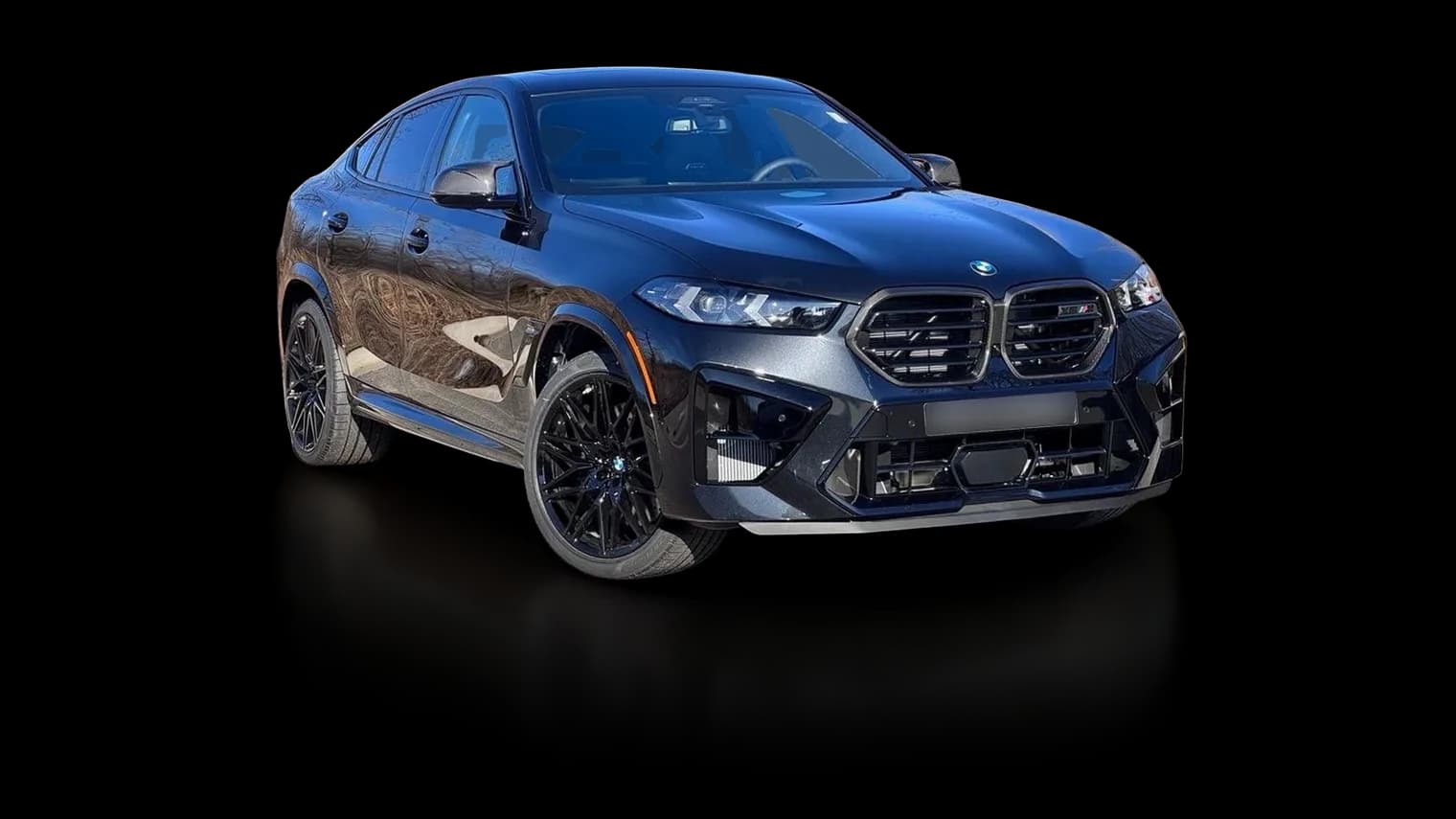
We find where the tyres touch the ground and render a soft contact shadow from the car's real footprint. No floating cars, no generic drop shadow.
Showroom floor reflection
Turn on the floor reflection and the car stands on a glossy showroom floor, the look marketplaces and dealer sites use for premium listings.
About four times cheaper per photo
Plans start at $8.99 for 150 photos and drop under 3 cents a photo at volume. A remove.bg subscription costs 12 to 23 cents an image for up to 5,000 images a month.
Free HD, not a thumbnail
The free tool returns the full result up to 2048 px with no watermark and no account, not a 0.25 MP preview.
The rest of the listing, too
Plate blur for photos and video, logo placement, studio backgrounds and AI ad descriptions live in the same account and spend the same credits.
Cutout, shadow, reflection: what the difference looks like
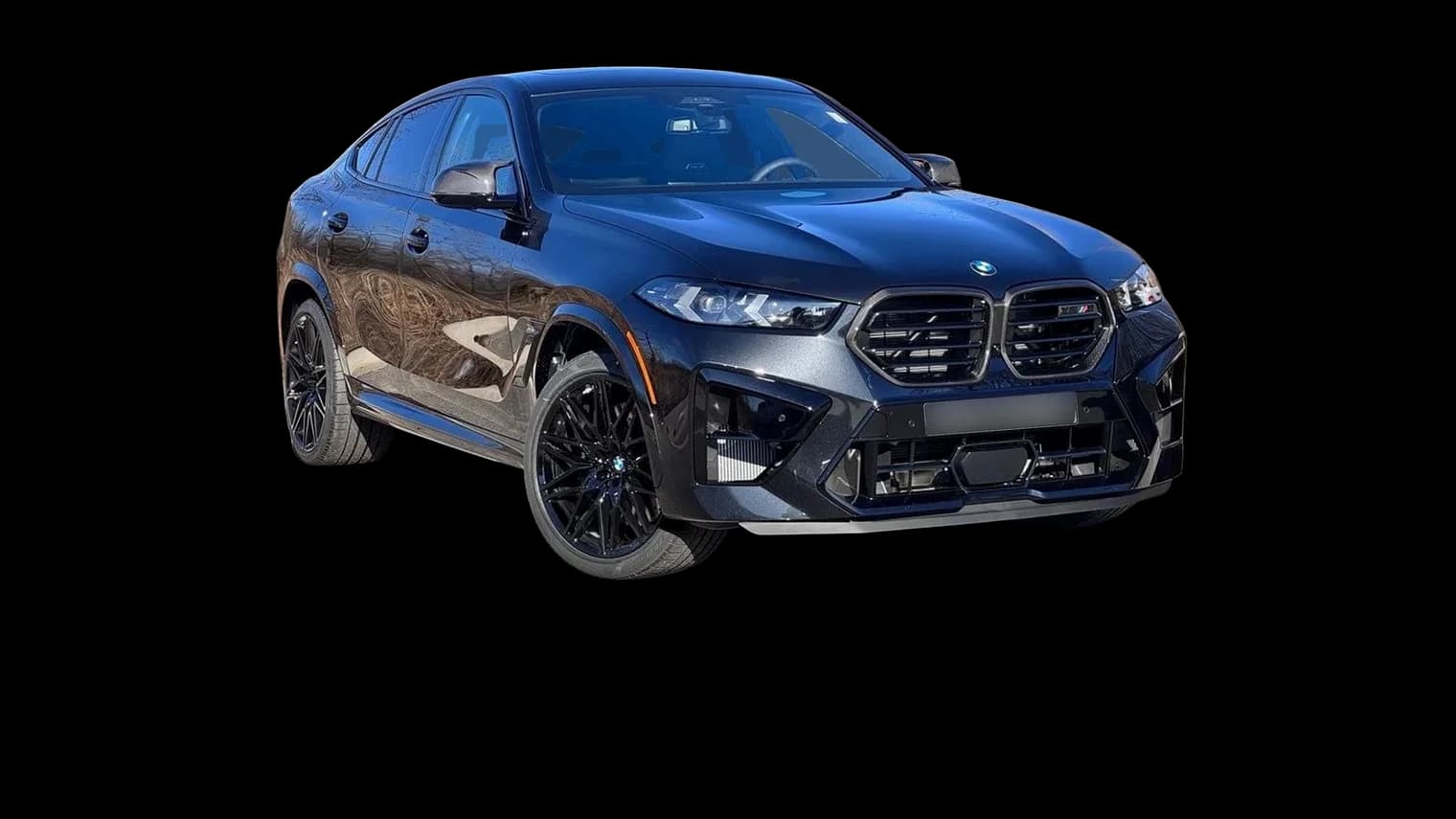
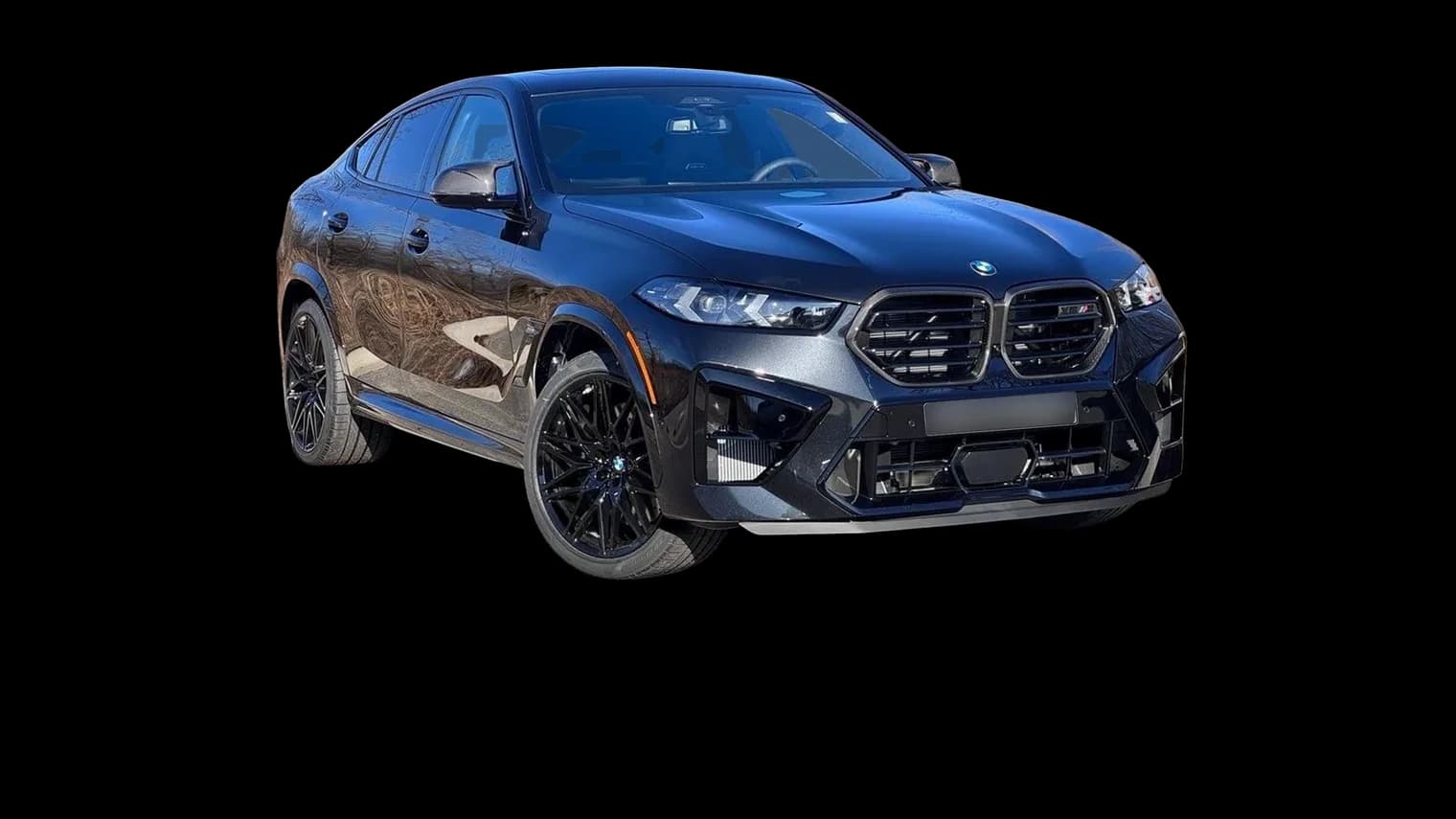
A plain cutout leaves the car floating. CarFlow AI puts it back on the ground, with a shadow that follows the wheels and, if you want, a reflection on a glossy floor. All three images below are untouched output of our free tools.
 CarFlow AICarFlow AI
Moving from remove.bg in four steps
- 01
Use up your credits
Unused remove.bg pay-as-you-go credits expire on December 1, 2026. Spend them on non-car images first.
- 02
Try a few cars for free
Drop up to 5 car photos into the free cutout tool. No signup, no watermark, results in seconds.
- 03
Turn on shadow and reflection
Switch on the shadow, and the floor reflection if you want the showroom look. Compare with your old remove.bg results.
- 04
Move your volume
Pick a plan by how many photos you process a month, or connect the API if your website or DMS called remove.bg directly.
When remove.bg (now Canva) is still the better pick
We would rather you pick the right tool than the wrong one. CarFlow AI is the better fit for car photos; for anything else, Canva is fine.
- You edit people, products or pets
- CarFlow AI only handles vehicles. For portraits, packshots or animals, use Canva's background remover.
- You already design everything in Canva
- If your listings are laid out in Canva templates anyway, the built-in remover saves a round trip. You can still bring CarFlow AI cutouts in as PNGs.
- You have an Enterprise API contract
- remove.bg says existing Enterprise API contracts continue after December 1, so there is no rush to migrate those.
remove.bg shutdown: questions and answers
remove.bg's standalone website, desktop app and self-serve API stop on December 1, 2026 at 9:00 CET. Background removal itself continues inside Canva, which has owned remove.bg since 2021, and the developer API moves to Leonardo.Ai, another Canva company.
According to remove.bg's FAQ, unused pay-as-you-go credits expire on December 1, 2026. Use them before that date. Existing Enterprise API contracts continue.
For cars, a car-specific tool gets better results than a general remover: it clears the background behind the windows, keeps wheel spokes open and adds a realistic ground shadow. CarFlow AI does all three, plus an optional floor reflection, for about $0.03-0.06 per photo on a plan, and a free tool with no signup.
The car cutout and car shadow tools are free: up to 5 photos at a time and 15 an hour, with no account and no watermark, at up to 2048 px. Paid plans start at $8.99 a month for 150 credits; one background removal costs one credit.
No. The model is trained for vehicles only, which is why it handles glass, wheels and trim better. For people, products or animals, use a general remover such as Canva.
Yes, and it is built differently. Instead of a preset drop shadow, CarFlow AI finds where the tyres touch the ground and renders a soft contact shadow from the car's footprint. Side and three-quarter views work best.
Yes. Turn on the floor reflection switch next to the shadow and the result includes a glossy showroom floor reflection. It costs no extra credits.
Yes. The CarFlow AI REST API cuts the car out and returns a transparent PNG with a ground shadow (and an optional floor reflection) for one credit per photo, and also blurs or covers licence plates. If your website or dealer software called remove.bg for car photos, it can call CarFlow AI instead. See the API docs for endpoints.
Sources
Last checked October 17, 2026. remove.bg is a trademark of its owner; CarFlow AI is not affiliated with remove.bg, Canva or Leonardo.Ai. Prices and features change; check the vendor's site before you buy.