 CarFlow AI
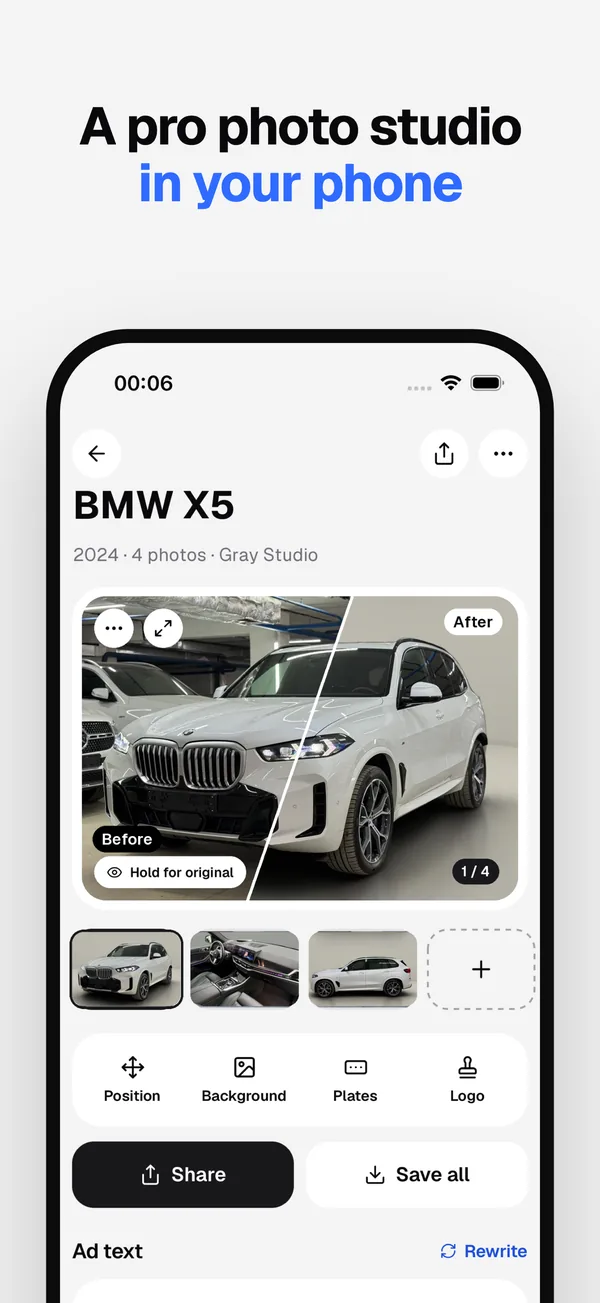
A pro photo studio in your phone
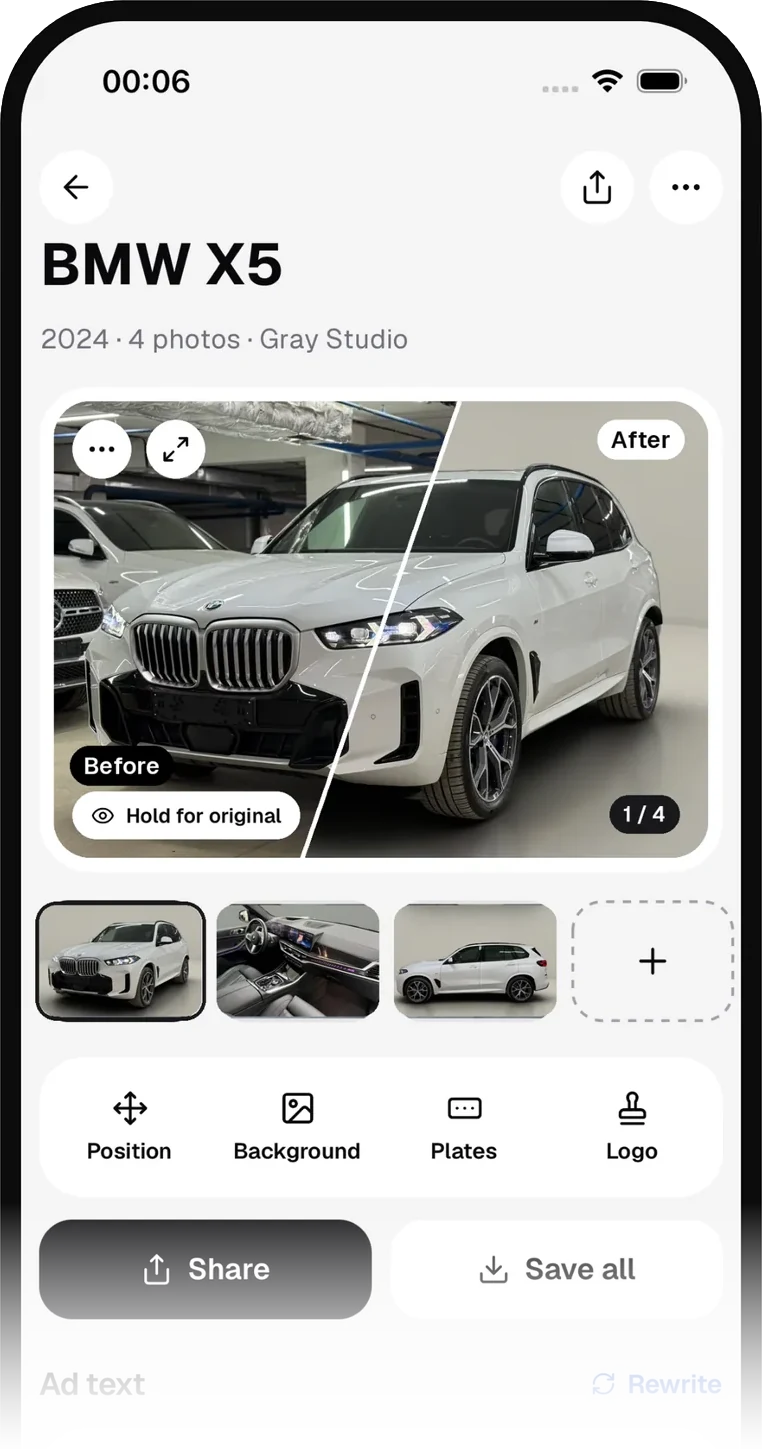
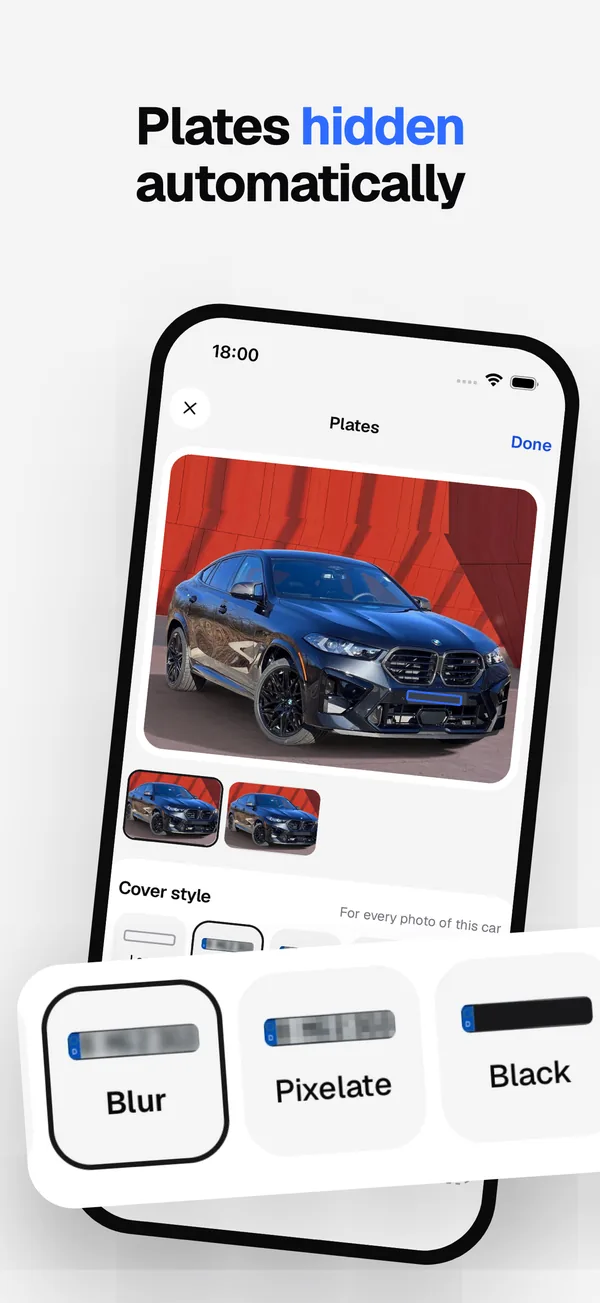
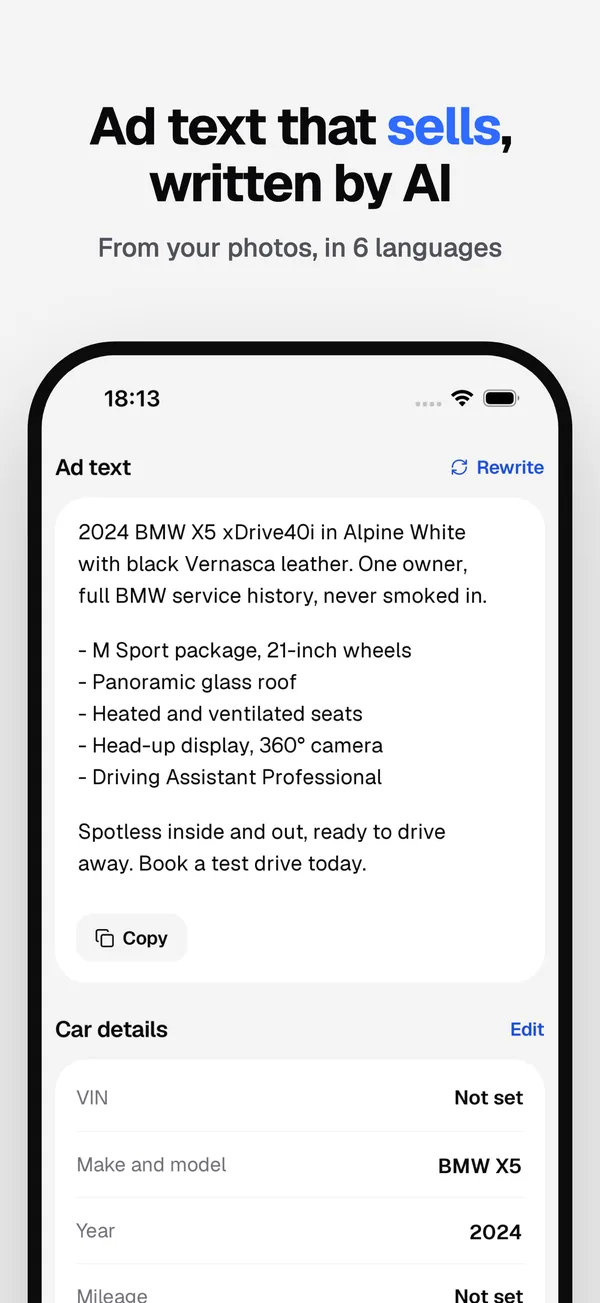
Shoot the car on the lot. The app cuts it out, puts it in a showroom with a real shadow, hides the plates and writes the ad. One listing takes a couple of minutes.

- Free to download
- Free credits for new accounts
- 6 languages
See the new app
What's new in 2.0
A redesigned app with a new look, simpler screens and the features dealers asked for.
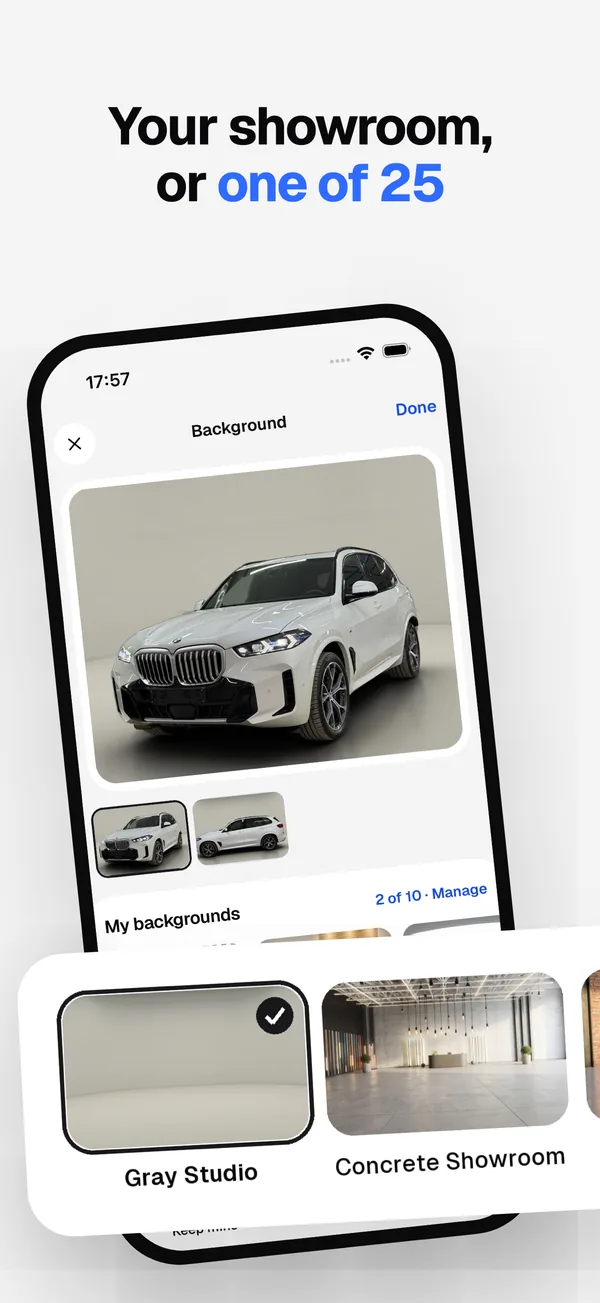
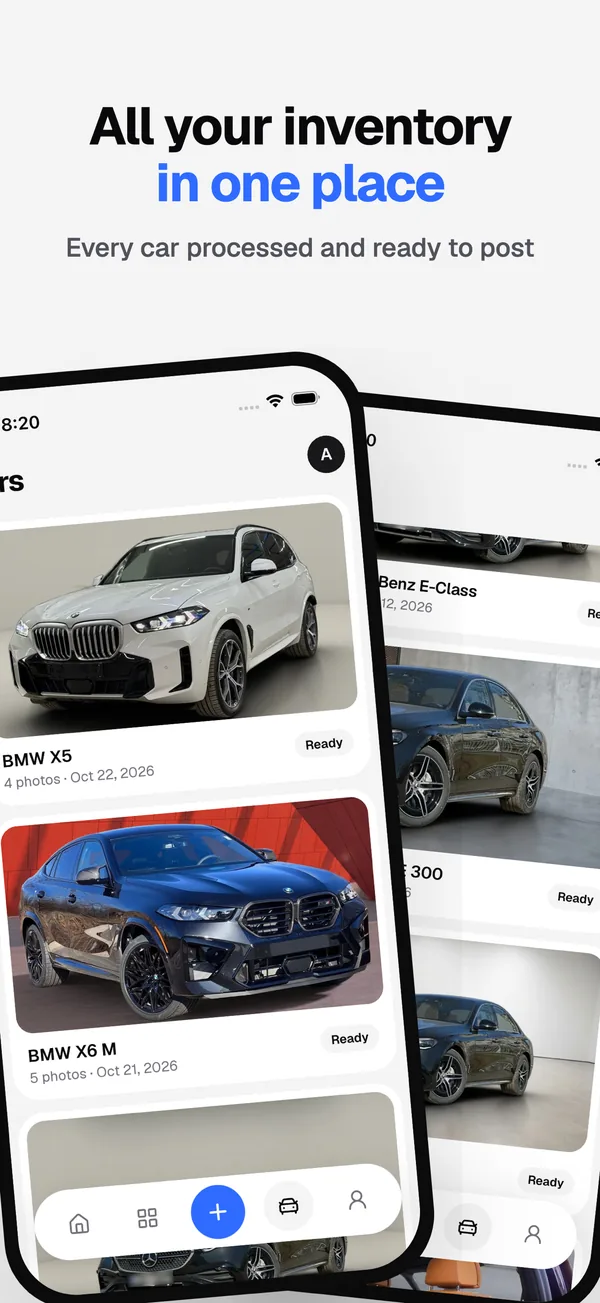
Your own showrooms
Upload your lot, wall or showroom once and use it on every car.
Faster processing
Photos are processed on our new GPU servers.
Email sign-in
Sign in with email and password, the same account as on the web.
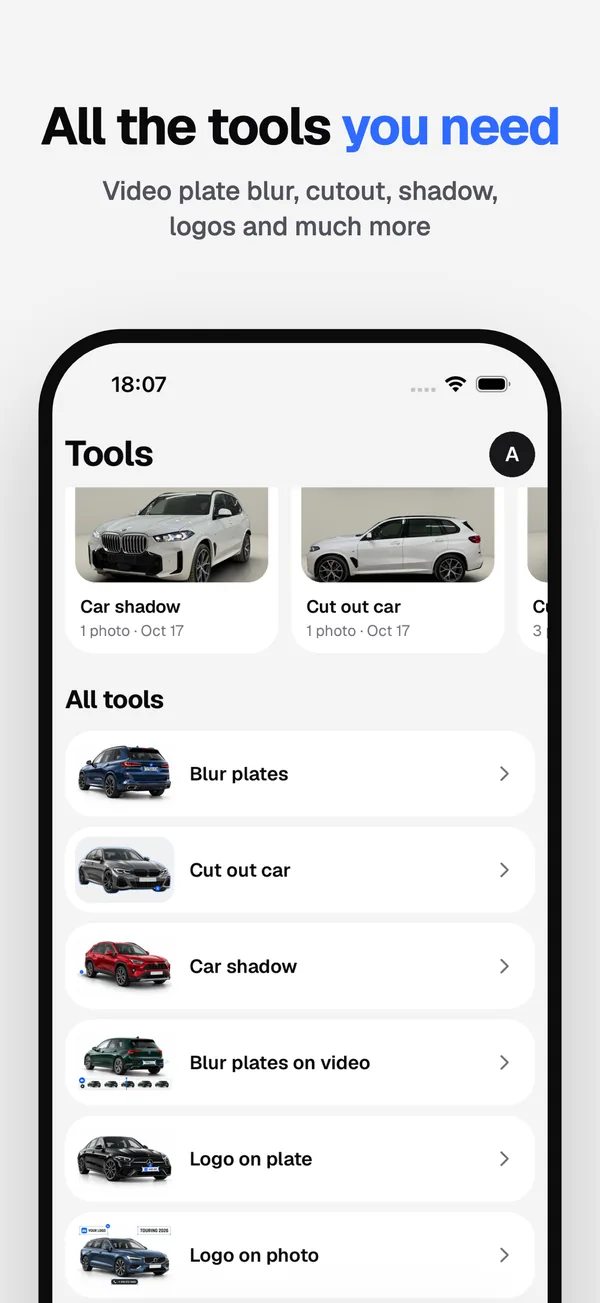
Cutout and car shadow
Remove the background and add a real shadow under the car, right on your phone.
Blur plates on video
Hide plates on walkaround videos. Missed one? Tap it on the frame to fix it.
Logo on photo and plate
Put your dealership logo on the photo or on the plate, in perspective.
From parking lot to listing in three steps
- 1
Shoot on the lot
Take the photos with your phone, no studio or photographer needed.
- 2
Pick a showroom
The car gets a new background, a shadow and hidden plates on every photo.
- 3
Share or save the set
Post the photos and the ad text, or save the whole set in one tap.
One account on the phone and the web
Sign in with the same email in the app and on carflowai.com: shoot on the lot, finish a big batch at your desk.
Get CarFlow AI on your iPhone
Free to download. New accounts get free credits to try every tool.